Combine Voice Memos app icon Combine Voice Memos +

Merge Voice Memos
on iPhone or iPad

Merge multiple recordings instantly, right from Voice Memos on iPhone. Perfect for fixing split or interrupted recordings.

One-time purchase
Fully offline
No data collection
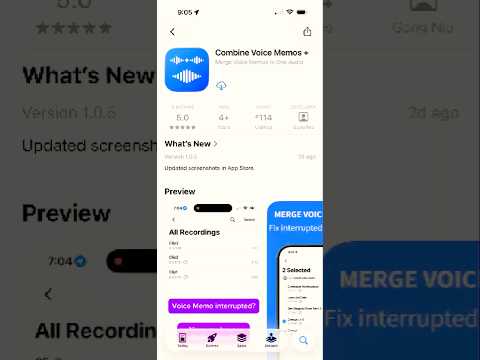
Combine Voice Memos app screenshot preview

Why this app exists

Voice Memos gets split. This app fixes it.

A phone call, Bluetooth switch, or recording interruption can leave you with multiple files instead of one clean recording. Combine Voice Memos + lets you merge them in seconds without exporting to a computer.

Interrupted recording

A single session turns into multiple clips.

Messy workflow

You should not need Files, desktop apps, or audio editors.

Fast fix

Select, reorder, combine, and export right on your iPhone.

Quick demo

See it in action

Watch the short demo to see how quickly you can merge multiple voice memos into one clean file.

How it works

Combine your recordings in a few taps

Works seamlessly with Apple Voice Memos so you can go from split clips to one finished file quickly.

1
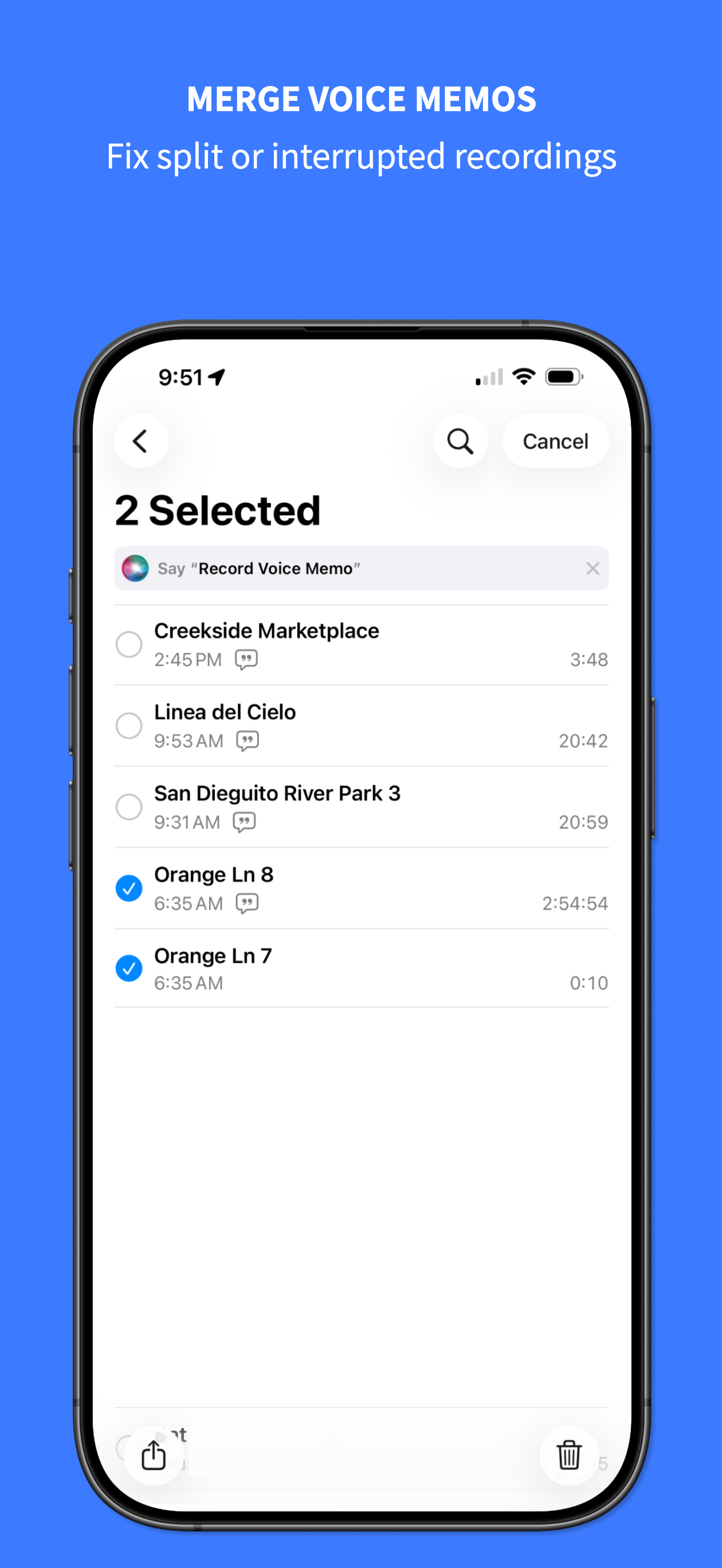
Step 1: Select recordings in Voice Memos

Open Voice Memos

Select two or more recordings to combine.

2
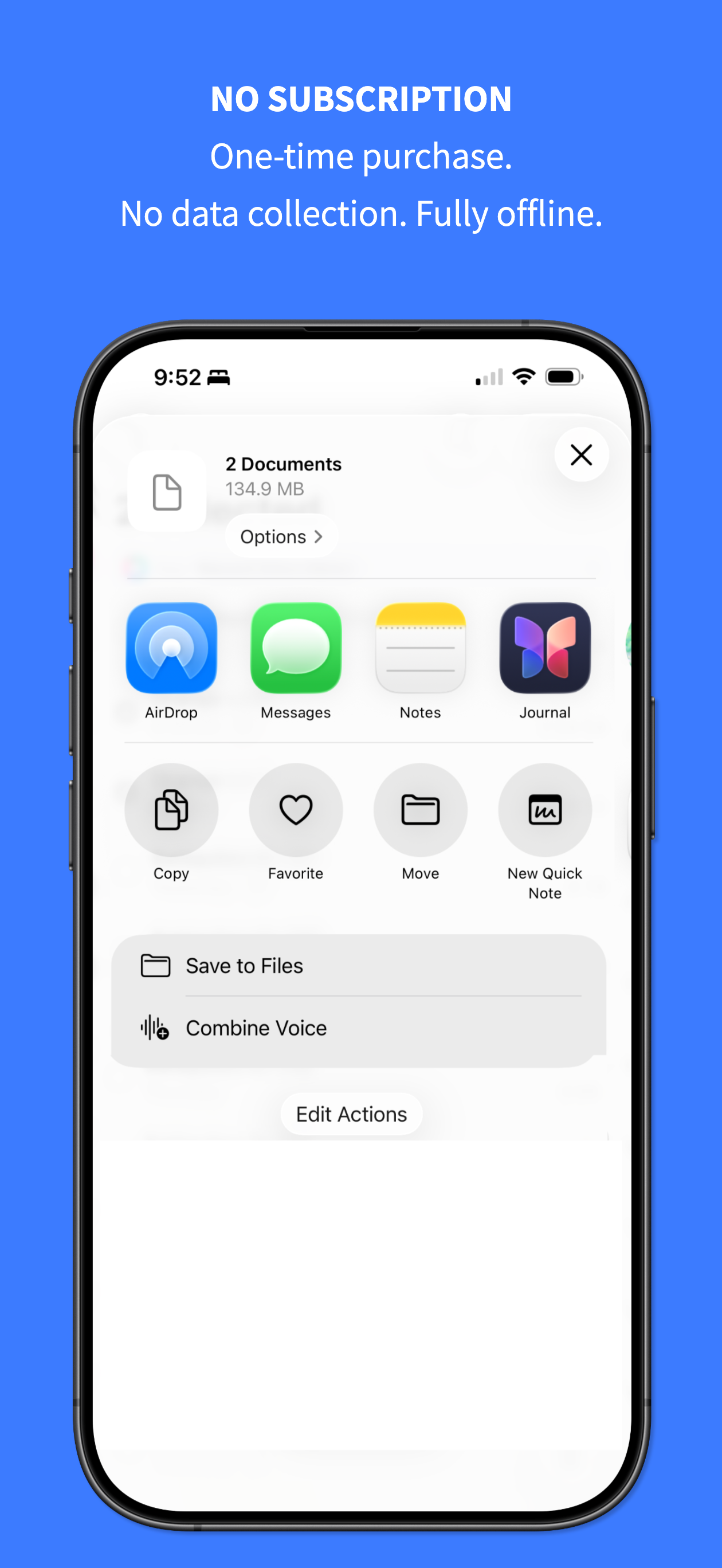
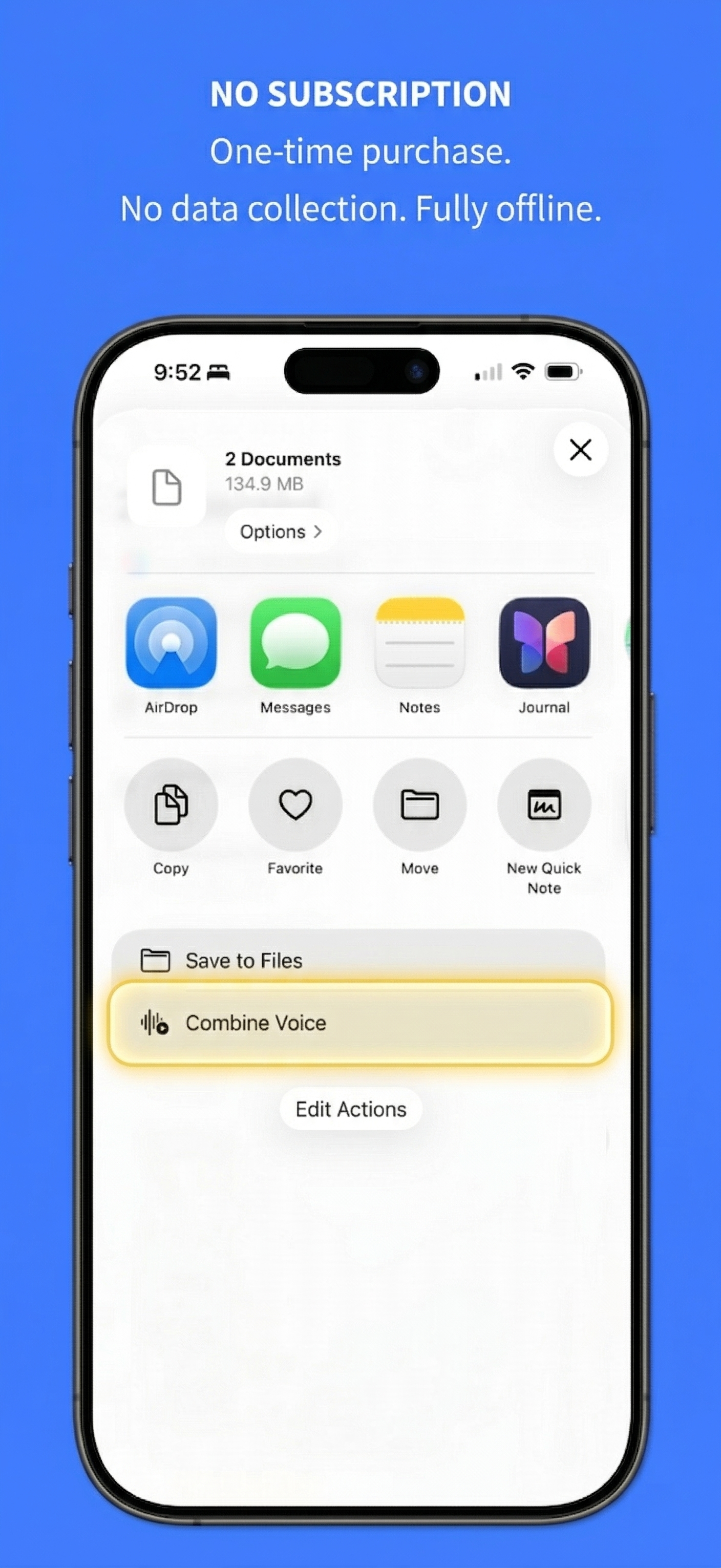
Step 2: Tap Share and select Combine Voice

Tap Share

Choose the Combine Voice action from the share sheet.

3
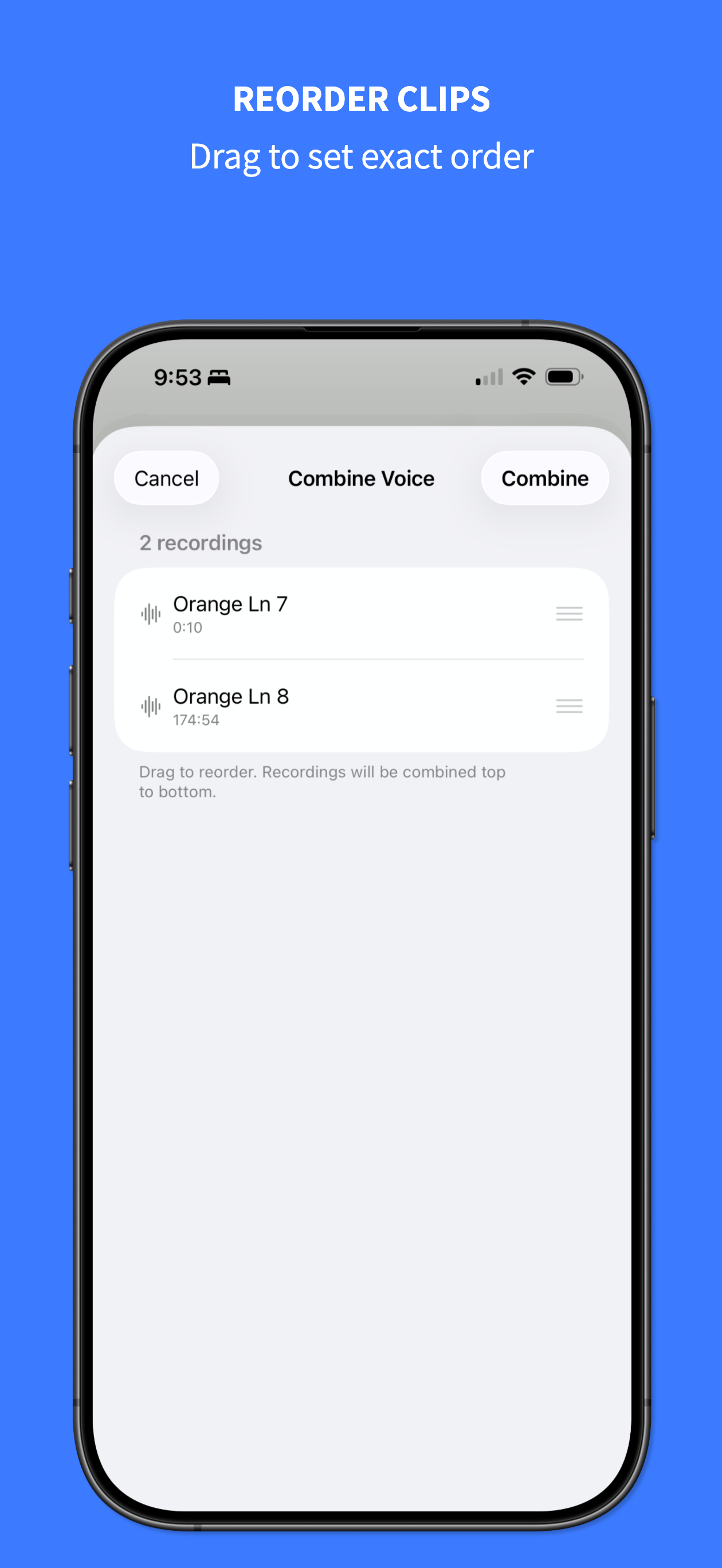
Step 3: Reorder recordings by dragging

Reorder clips

Drag and arrange clips in the exact order you want.

4
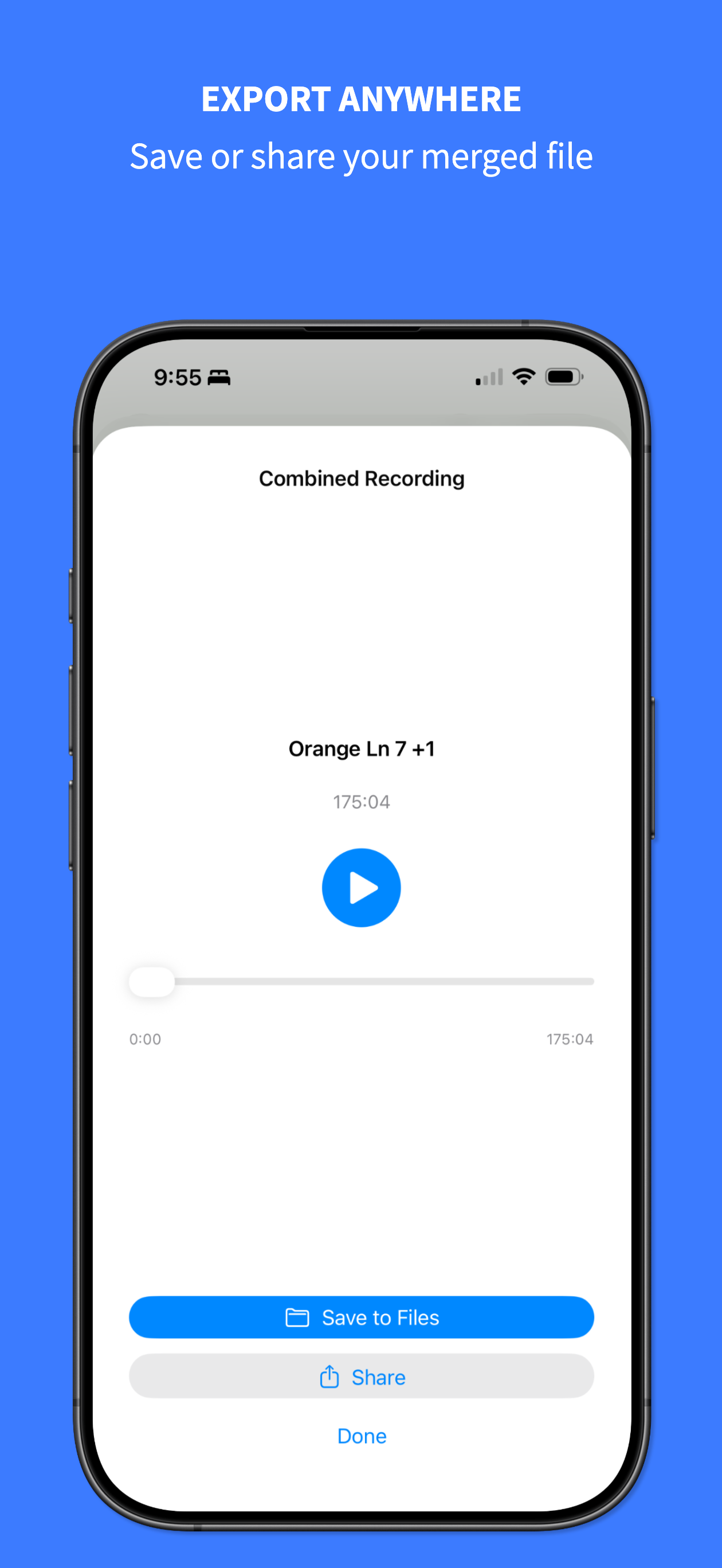
Step 4: Preview and save or share

Preview and export

Save to Files or share the finished recording anywhere.

Features

Why people choose Combine Voice Memos +

No subscription

One-time purchase. No recurring fees, no upsells, and no account required.

Privacy first

Your recordings stay on your device. No analytics, no tracking, and no data collection.

Works offline

No internet needed. Merge recordings anywhere, anytime, directly on your iPhone.

Frequently Asked Questions

Can I combine multiple Voice Memos on iPhone?

Yes. Combine Voice Memos + lets you select multiple recordings and merge them into one file directly on iPhone or iPad.

How do I merge interrupted voice recordings?

If a recording was split by a phone call or Bluetooth interruption, you can reorder the clips and combine them into a single recording — all from the share sheet in Voice Memos.

Do I need a computer to merge Apple Voice Memos?

No. The app works entirely on iPhone and iPad. It does not require a Mac, PC, or any cloud service.

Does it work on iPad?

Yes. Combine Voice Memos + runs on both iPhone and iPad. Use the same share sheet workflow from the Voice Memos app on either device.

Learn more

How to Merge Voice Memos on iPhone

Combine Voice Memos + lets you merge multiple Apple Voice Memos into one recording directly on iPhone or iPad. Select recordings in Voice Memos, tap share, and combine instantly. No computer required.

Whether your recording was split by a phone call, a Bluetooth disconnect, or an accidental stop, this app brings all your clips back together in seconds. Drag to reorder, preview the result, then save to Files or share anywhere.

Read the step-by-step guide

Ready to combine your voice memos?

Download the app and turn split recordings into one clean file in seconds.