Relay Voice
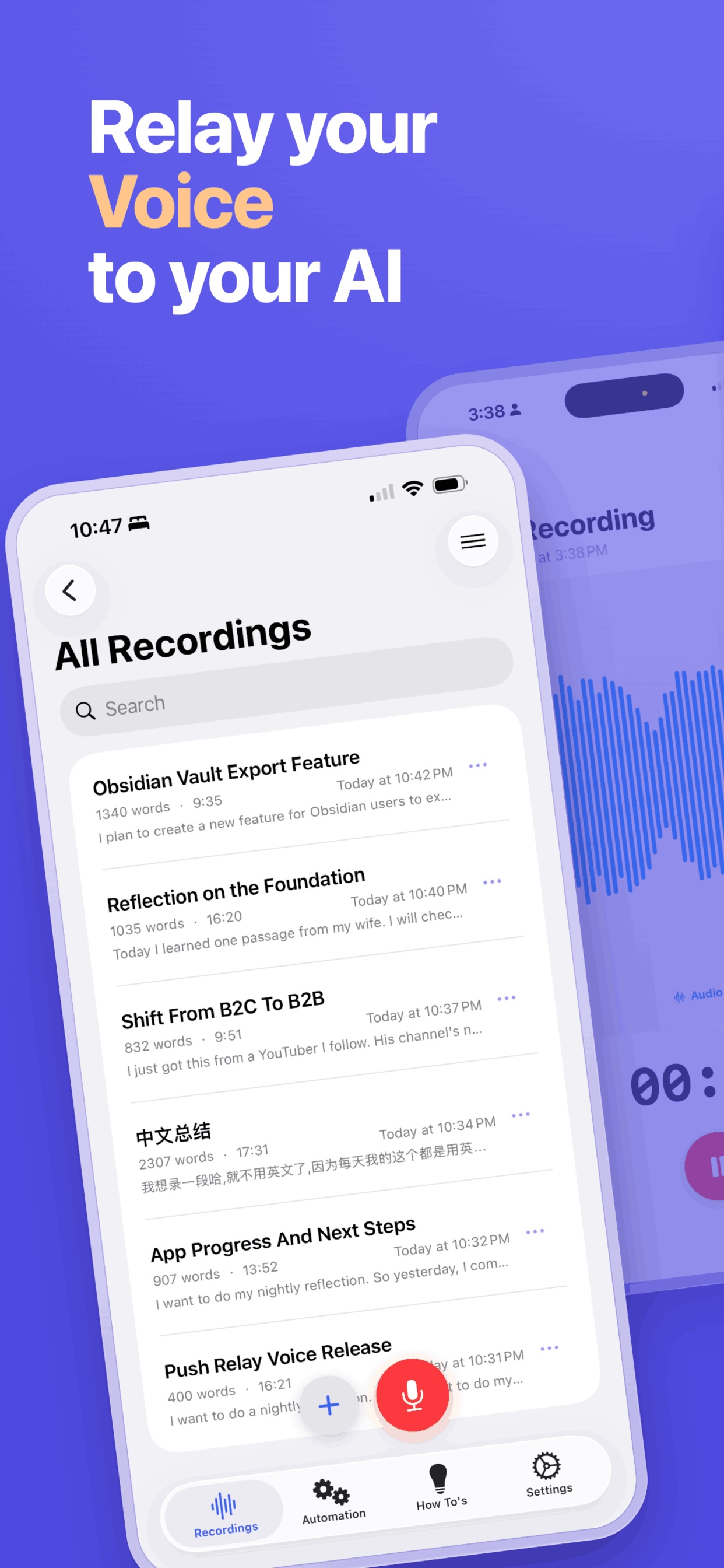
Record a thought on the walk in. Relay Voice turns it into a clean transcript, an AI summary, and Markdown files in your iCloud Drive — ready for Obsidian, Notion, or your AI apps or knowledge base.
The moment it matters
Walking, driving, on the commute — your clearest ideas arrive exactly when you can't type them, and they're gone by the time you sit down. Talk it out, and Relay Voice hands you back a clean, structured note in the tools you already use.
Demo
Watch the one-minute demo to see a voice memo become a transcript, an AI summary, and a Markdown file — start to finish.
Prefer the longer version? Watch the two-minute video.
From a user
Relay Voice is the work of a responsive and active indie developer and it delivers three things in particular:
- 1. Accurate and clean transcription which is offline and private;
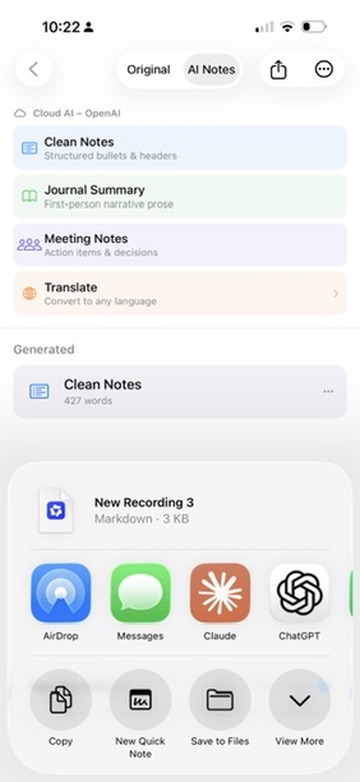
- 2. Sharing options to a specific note in Obsidian, Day One, Drafts, Apple Notes etc;
- 3. A realistic one-time payment rather than subscription.
I find it to be the partner I have looked for, to capture reliable voice notes for apps which do not offer their own Whisper-quality transcription.
How it works
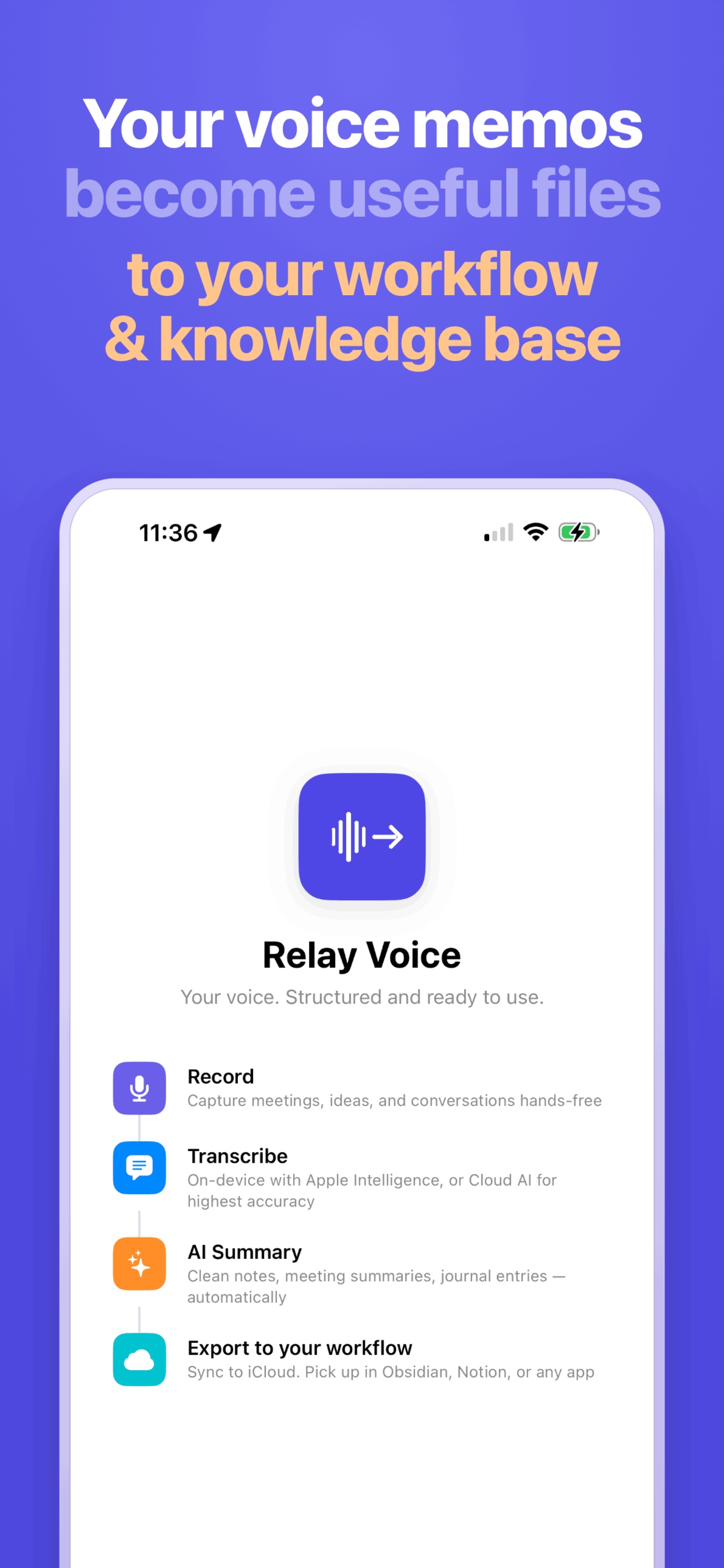
Three steps — talk, transcribe and summarize, then relay it into the tools you already work in.
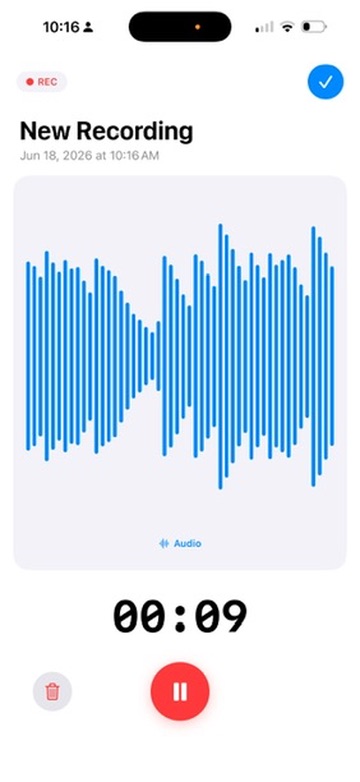
Record a thought, a meeting, or a walking reflection.
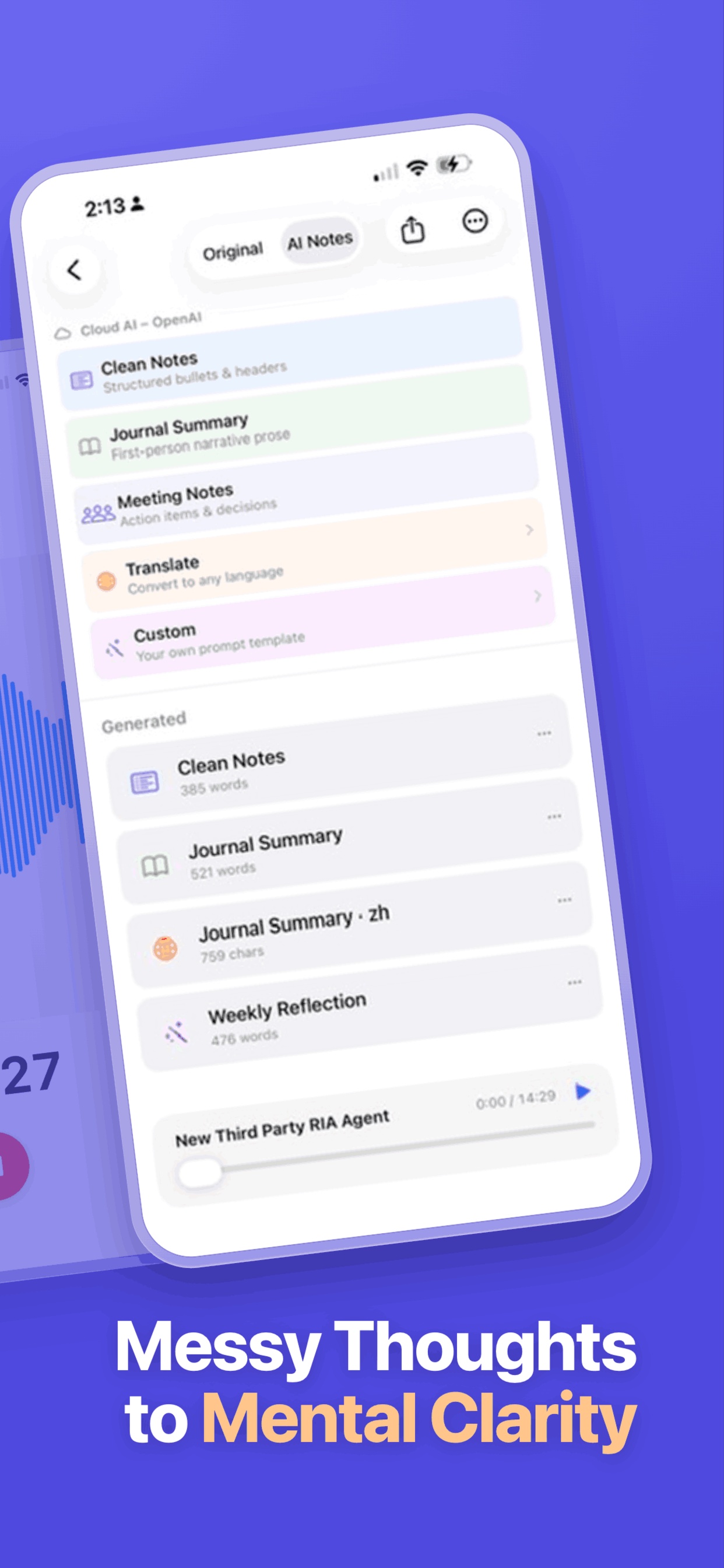
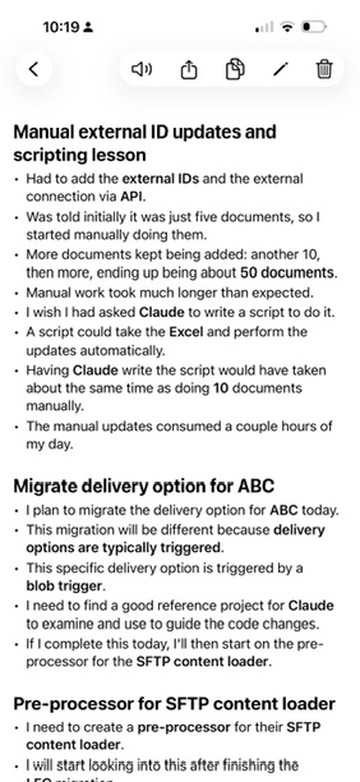
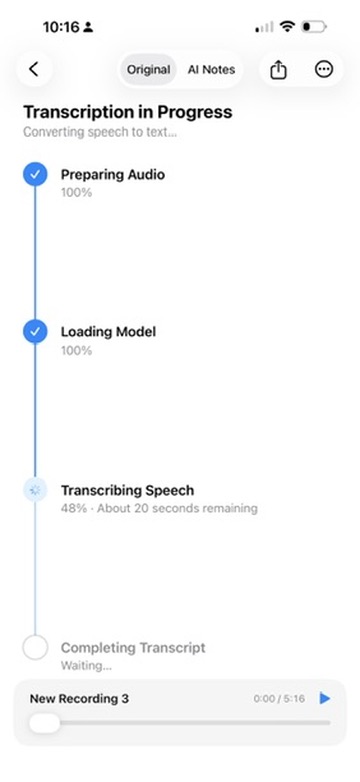
On-device or with your own AI key — get a clean transcript and an AI summary.
Export Markdown to iCloud Drive — into Obsidian, Notion, Claude Code, or any AI workflow.
Use cases
Context is the bottleneck for AI agents and knowledge bases. Relay Voice is the fast input pipe: voice → structured Markdown → your Obsidian vault or your AI agent (Claude Code, Codex, Cursor). Capture the idea the moment you have it.
Talk through your 1:1 or standup on the commute and arrive with clear talking points. Let Relay Voice read the summary back to you on the way in, so the prep happens before you sit down.
Walk, talk, and get the day out of your head. Relay Voice turns a rambling reflection into a clean journal entry — filed to your vault or journal, searchable later. The capture is effortless; looking back is the reward.
Transcription
Zero config, private, and instant on supported devices. Nothing to set up.
Download Whisper or Qwen-ASR and transcribe entirely on your iPhone — free, and no internet required.
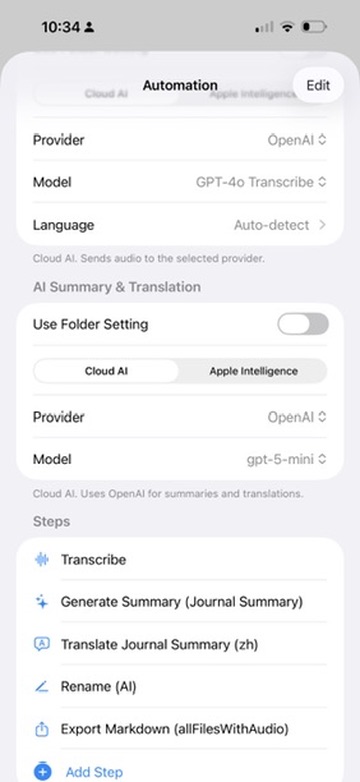
Bring your own key for OpenAI, AssemblyAI, Grok, or SiliconFlow when you want the highest accuracy. Your key, your provider, direct from your device.
Where your voice goes
"Where does my recording actually go?" usually gets answered with a link to a privacy policy. Here's the whole path instead.
The recording is written to Relay Voice's own storage on your iPhone. Nothing is uploaded to anyone by the act of recording.
Recording, transcript and summary all stay on your iPhone. Export the Markdown to a folder you pick in your iCloud Drive — your Obsidian vault, or anywhere else.
Notice what isn't in that diagram: a Relay Voice server. There isn't one. No account to create, no sign-in, nothing of yours sitting on a machine we control. Relay Voice is a local iOS app, and it collects nothing.
Why it's different
One-time purchase, no account required. No recurring fees and no upsells.
No server, no data collection. Recordings, transcripts, and summaries stay on your device and in your own iCloud Drive.
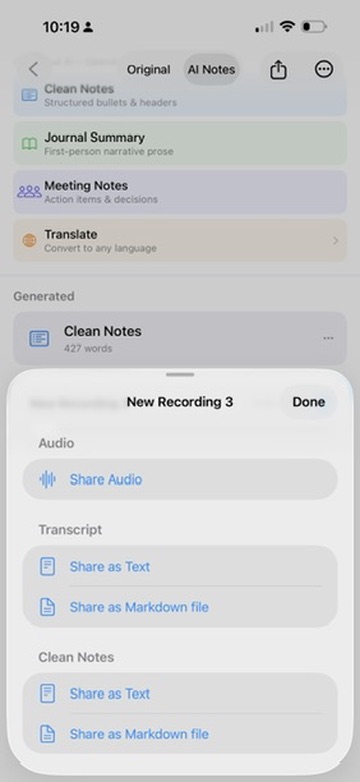
Markdown export, choose your own export folder, folder-based automation, and iOS Shortcuts support.
From the builder
“The real job of Relay Voice isn't just transcription or summaries or markdown files. It's capturing the thinking that would otherwise get lost — and turning it into insights, decisions and action, every day.”
— Gang Niu
Yes. With on-device models and Apple Intelligence, Relay Voice can transcribe and summarize entirely offline — nothing leaves your iPhone.
On-device transcription is free. Cloud AI is optional: you bring your own API key, and any usage costs go to your provider, not to us. Summary APIs are typically very cheap.
They stay on your device and in your own iCloud Drive. Export Markdown to a folder you choose — straight into Obsidian, Notion, or any AI tool.
$19.99 (USD) as a one-time purchase — that's the launch price, and it goes to $24.99 on October 1, 2026. There's a 14-day free trial, so you can try it first. Prices in other countries are the App Store equivalent for your storefront.
No. You pay once and it's yours — no recurring fees, no upsells, and no account.
No. There is no server and no account, and we collect no data. The only time anything leaves your device is when you explicitly choose a cloud AI provider and consent to it, using your own key.
Yes. Relay Voice exports Markdown to a folder you choose — for example, your Obsidian vault — so your notes land exactly where you work.
Learn more
The fastest way to capture an idea is to say it out loud — but spoken notes are hard to reuse later. Relay Voice closes that gap on iPhone: record a voice memo, get a clean transcript and an AI summary, and export everything as Markdown to your iCloud Drive. Because the output is plain Markdown in a folder you choose, it drops straight into an Obsidian vault, a Notion import, or an AI agent like Claude Code without any copy-and-paste.
You stay in control of how the transcription happens — on-device with Apple Intelligence, fully offline with downloadable Whisper or Qwen-ASR models, or with your own cloud API key when you want maximum accuracy. There's no account and no server, so your recordings, transcripts, and summaries remain yours. It's a simple, private input pipe from your voice to the knowledge base and AI tools you already use.